
HWID Spoofer
System utility

At a glance
Key capabilities
What HWID Spoofer focuses on before you open the full module list.
Plus 9 additional modules in the player portal—see the full list below.
Overview
HWID Spoofer for Call of Duty Warzone PC
How this build fits ranked, Quick Match, and patch-day workflows.
When to use HWID Spoofer
Verification matters
Modules
What's included
Every module and overlay shipped with HWID Spoofer—toggle and tune in the player portal.
- Spoofer & cleanup tools
- Serial profile rotation
- Compatibility scan
- Post-spoof verification
- Motherboard serial masking
- Disk volume rotation
- NIC MAC rotation
- Trace cleanup presets
- Ricochet cache cleanup
- Profile export and import
- One-click revert snapshot
- Discord status alerts
- Patch-day compatibility notes
Experience
In the client · After you buy
Review the in-game layers above for HWID Spoofer—detailed below is how each module behaves alongside direct post-checkout setup.
In-game layers
- Layer ASpoofer control panelRun compatibility scans and apply serial profile rotation before launching Warzone.
- Layer BPost-spoof verificationConfirm a clean fingerprint before you queue Battle.net or Steam.
Guides
Learn more about HWID Spoofer
Curated articles for setup, tuning, and patch-day checks that match this product.


How Ricochet updates affect Call of Duty Warzone cheats, ESP, and aimbot on cheats-warzone.com — and why a status note is never a permanent “undetected” clear.

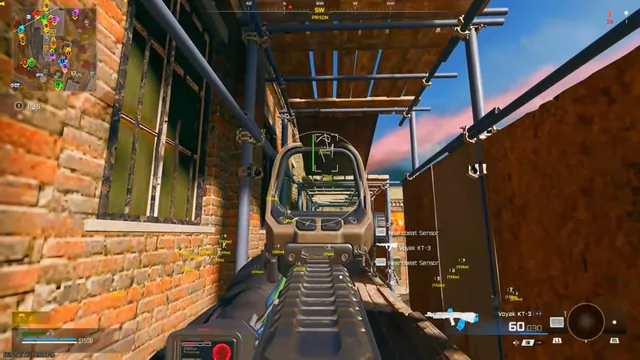
Cheats modules for Call of Duty PC explained: ESP, wallhack overlays, aimbot, radar, recoil, and live Ricochet status vocabulary before checkout.


Warzone soft aim vs classic aimbot on PC: when to keep Humanizer on, how FOV shapes ranked fights, and why ESP still comes first.


PC menu labels on PC: aimbot FOV, ESP colors, wallhack distance, radar, and triggerbot wording mapped to the live module list.


Warzone ESP ranked setup for 2026: distance caps, loot filters, and wallhack overlays that stay readable in trios without covering your crosshair.


Wallhack vs ESP in Call of Duty Warzone cheats: how the labels overlap in 2026, what chams add, and what still belongs on the live product page.
FAQ
Call of Duty Warzone FAQ
WarzoneCheats Answers for Call of Duty Warzone on Windows PC—how we source facts, what listings cover, and how fair-play risk is framed.